Skip to content
Free Lite beta · enrollment closed

Every coding agent. One setup you never rebuild.

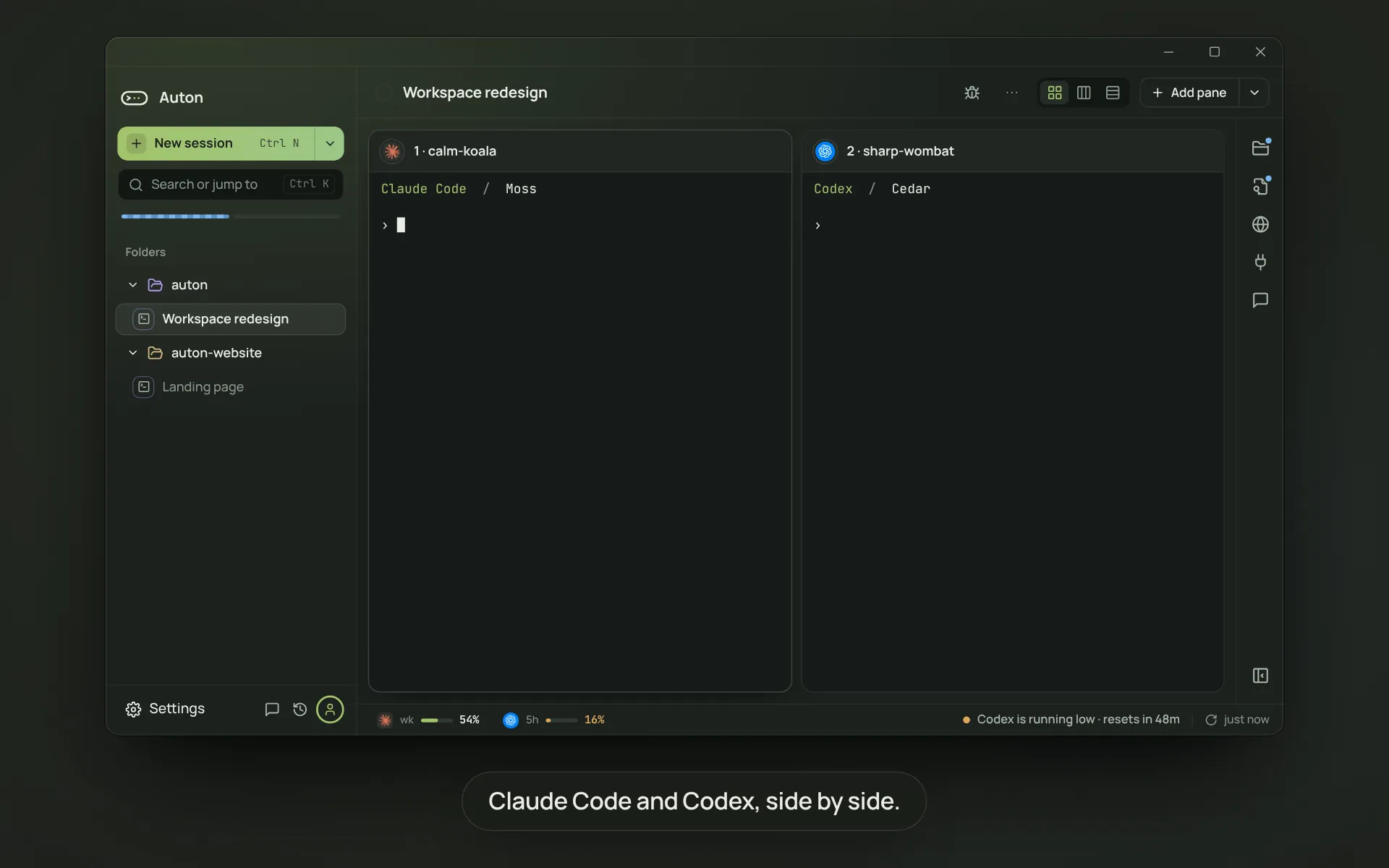
Claude Code, Codex, Gemini CLI and nine more, side by side in your folders. Your tools, logins, checks and history belong to the folder, so when a provider changes the deal you move the terminal, not your life.

Windows beta details See it running ↓ Planned for Windows 11 · x64
Lite $0 in beta · then planned $10/mo · Pro planned $20/mo

Interactive design preview

Explore sample folders and simulated tasks. No repository access or AI requests.

AUTON2
New sessionLet Auton run a task
Workspaces
payments-api2
every state7 terminals · state reference
retry helper3 terminals · 12m
ledger-core~/dev/ledger-core1
Make retries idempotent2 terminals · 34m
auton-site1
webhook docs1 terminal · no report
Add a folder
Accountslogins and limitsSettings⌘,Experimentsone job several ways
Make retries idempotent~/dev/ledger-coretask$2.06 · 53.9kCustomJournal
checks 5/5Codex verdict: accepted (gpt-5.2, read-only) · 4 files +120/−3sha 80448d1 · verify/a2/review.mdReview evidence
Role defaultsPlanneropus-4.2Workersonnet-4.6Reviewergpt-5.2-codexEach role picks its own agent, model and effort
node:20-slimnode, npm, git · rebuilt weekly · your checkout is untouched until you applyReview 7 files
rapid-mossClaude Code · you@studio.dev
Make every retry path idempotent by threading an idempotency key through the ledger clientsonnet-4.6worker$1.6240.2kresumecompleting
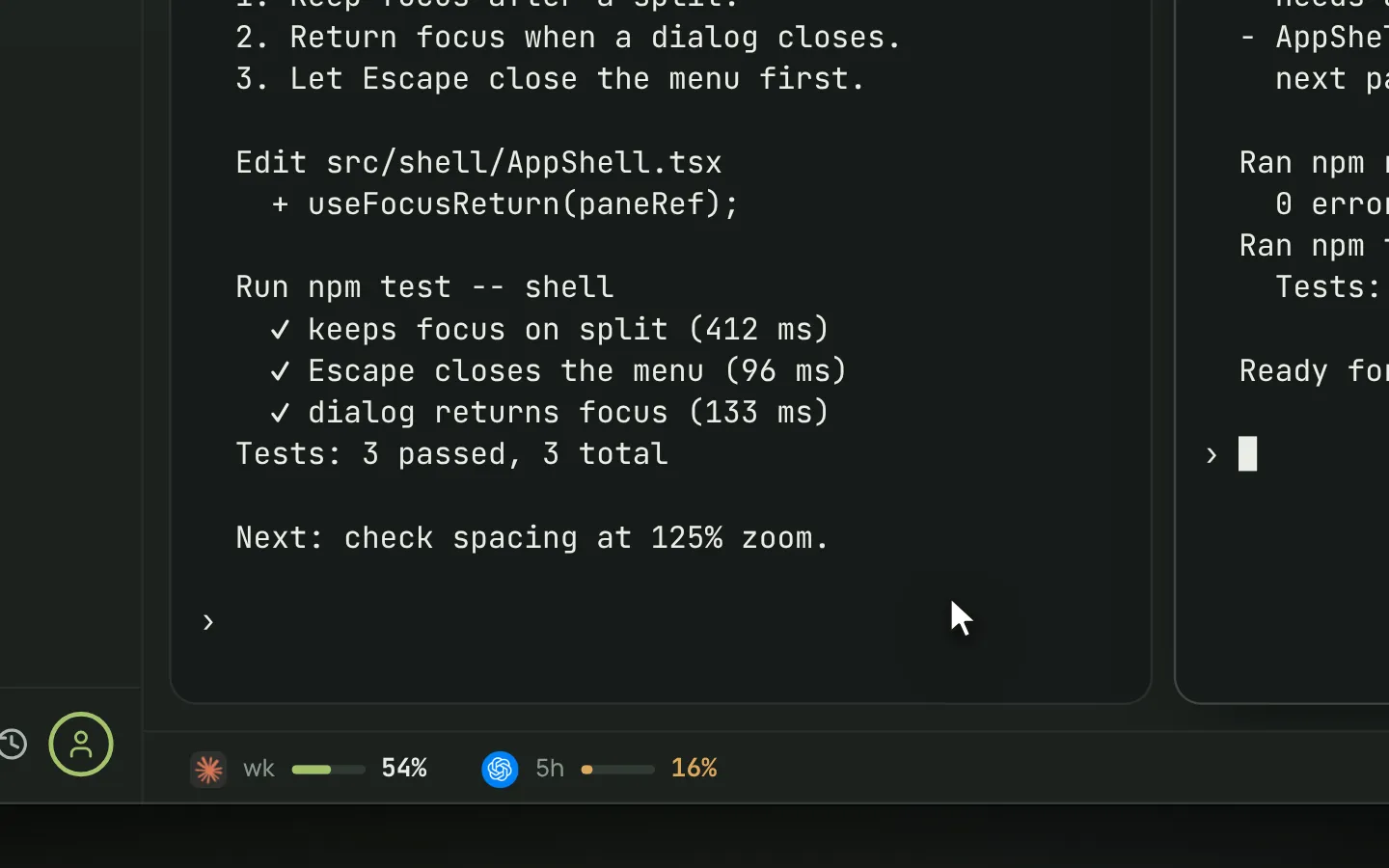
$ rg -n "withRetry" src/src/charge.ts:42: return withRetry(() => post(url, body))src/refund.ts:18: return withRetry(() => post(url, body))● Reading src/charge.ts (412 lines)● Reading src/lib/retry.ts (88 lines)● Editing src/charge.ts +18 −4$ npm test -- charge PASS test/charge.test.ts (2.1s) 14 passing
zz
fern-heronCodex · sk-oai-····9b21
Review the idempotency change against the brief before it is claimed donegpt-5.2reviewerA new worktree$0.4413.7kresume
● Reviewing attempt 2 · read-only checkout of 80448d1 dedupe key derives from request_id, not a timestamprefund path unchanged, diffed against attempt 1 5/5 declared checks have an output file✓ verdict: accepted → verify/a2/review.md this verdict is not your acceptance
Attach⏎ send · ⇧⏎ new line · goes to every terminal in this runSend

What it fixes

Your provider changed the deal overnight.

Move the terminal to another agent or key. Same folder, same tools, same history. Seconds, not a weekend.

Each agent wants its own setup.

Tools, logins, checks, roles and looks belong to the folder, not the agent. Set them once and every agent inherits them.

It said done. Was it?

Auton runs your checks on the result, keeps every attempt on the record, and links each green to the file that proves it.

How it works

Two minutes to the first terminal. Nothing to learn until you want more.

Sessions are the on ramp. Tasks are there the day you need a record.

  1. 01 Minute one

    Add a folder, pick the agents you already have

    Auton finds every CLI installed on the machine. Pick a folder and one or more agents. Each opens as a terminal you can type into like a shell.

    ⌘N · new session
  2. 02 Every day

    Work in plain terminals, swap agents when you like

    Arrange them, drag to split, steer them all from one composer. Move a terminal to another agent or login mid run. Nothing about the folder changes.

    ··· · change agent
  3. 03 When it matters

    Promote to task and get a record

    One button. Auton coordinates the terminals already running, runs your checks, has a second agent read the diff, and brings you one decision.

    Promote to task · on every session
01 · Sessions

Terminals in a folder. Any agent in any of them.

Pick a folder and the agents you have installed. Mix them on the same files, swap one mid run, type into them like a shell.

Arrange the terminals
Two agents on the same problem, both readable at once. The default for a pair.
Full width output, one above another. Best when the logs are long and the count is low.
Four terminals, equal weight. Used when nothing is the lead and you are scanning for the one that stopped.
One terminal you are watching, the rest in a row beneath it. What the app opens a promoted session into.
The reviewer at the bottom, the workers above. Reading order matches the order the work happens in.

Drag a divider to resize. Drop a terminal on an edge to split, in the middle to swap.

  • Swap the agent, keep the terminal ···

    Pick another agent, model or login from the terminal's menu. Folder, tools, scrollback and journal stay.

  • One keystroke to start ⌘N

    Folder, agents, how many terminals each. Shift makes it a task.

  • Named, not numbered amber-kite

    Every terminal gets a two word name, so you can say which one stopped.

  • One prompt, every terminal

    The composer steers the whole run at once, whichever agents are behind it.

  • Five states, one that pushes blocked

    Running, waiting, blocked, completing, interrupted. Only blocked is pushed at you.

02 · Promote to task

The same terminals, now with a record

One button on every session. Auton takes over coordinating the terminals already running, checks the result and brings you one decision. Nothing restarts, nothing is retyped.

Promote to task the button, as it appears on every session
Do it in the app above ↑

Carries over

  • The folder and every terminal running in it
  • Everything already typed and everything printed back
  • The logins each terminal is spending

Auton adds

  • Every attempt on the record, kept even when thrown away
  • Your checks run on the result, not a claim that it works
  • A second agent reads the diff before you do
  • Nothing lands in your checkout until you apply it

Tasks can also start as tasks, with ⌘⇧N.

03 · Tasks and the journal

Every attempt kept, including the ones thrown away

What each attempt cost, who paid, what your checks said. Every green links to the file that proves it.

Journal Make retries idempotent 4 entries · $0.31 5 entries · $0.88 Copy evidence
  1. 14:02
    make retries idempotent, no double charges on retry
    you
  2. 14:07
    planning: reading the charge path
    amber-kite
  3. 14:21 !
    session ended before any file was written
    amber-kite
  4. 14:22
    rejected, no files changed, nothing to verify verify/a1/outcome.txt
    run-checks
  1. 14:29
    make retries idempotent, no double charges on retry
    you
  2. 14:41
    implementing: keyed dedupe table on charge and refund
    amber-kite
  3. 14:52
    unit · 14 passing in 2.1s verify/a2/checks/unit.txt
    run-checks
  4. 14:54
    no duplicate charge on retry · dedupe key derives from request_id verify/a2/checks/dedupe.txt
    run-checks
  5. 14:55
    Codex verdict: accepted. This verdict is not your acceptance. verify/a2/review.md
    reviewer
Checks from the brief 0 of 5 5 of 5
  • unit suite passes no output, nothing ran
  • no duplicate charge on retry no output, nothing ran
  • idempotency key persisted no output, nothing ran
  • refund path unchanged no output, nothing ran
  • lint clean no output, nothing ran
  • unit suite passes verify/a2/checks/unit.txt
  • no duplicate charge on retry verify/a2/checks/dedupe.txt
  • idempotency key persisted verify/a2/checks/keys.txt
  • refund path unchanged verify/a2/checks/refund.txt
  • lint clean verify/a2/checks/lint.txt

Attested diff

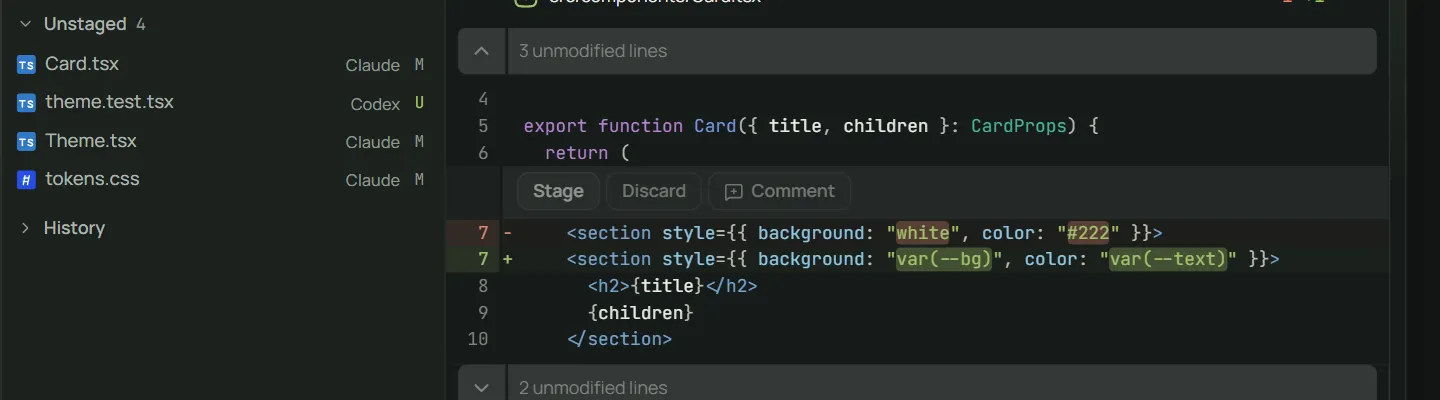
80448d1 · 4 files +120 −3

The exact tree the checks ran against. A verdict that cannot name a tree is not shown.

What Auton absorbed

1 rejected attempt · $0.31

Checks and a cross agent review ran before you were asked anything. You read one decision.

Waiting on you

Review evidence → accept → 08ca2ac

Accepting is the only step Auton will not do for you.

04 · Agents, logins, models

Any agent, any provider, any login. Switch without starting over.

Auton drives whatever CLI is installed on your machine and treats them all the same. When a provider changes the deal, move the terminal and keep the folder, tools, checks and journal.

  • Claude Code
  • Codex
  • Gemini CLI
  • Grok
  • Cursor Agent
  • aider
  • opencode
  • pi
  • Kimi
  • Qwen Code
  • Amp
  • Goose
  • and any CLI that takes a base url
Logins · headroom right now
Roles a task starts with
  • Planner claude-code · opus-4.2 · max

    Reads the repo and writes the plan. Never edits code.

  • Worker claude-code · sonnet-4.6 · medium

    Does the work in its own worktree, so a bad run is thrown away, not unwound.

  • Reviewer codex · gpt-5.2-codex · high

    Reads the diff and argues with it, on a read only checkout.

Isolation

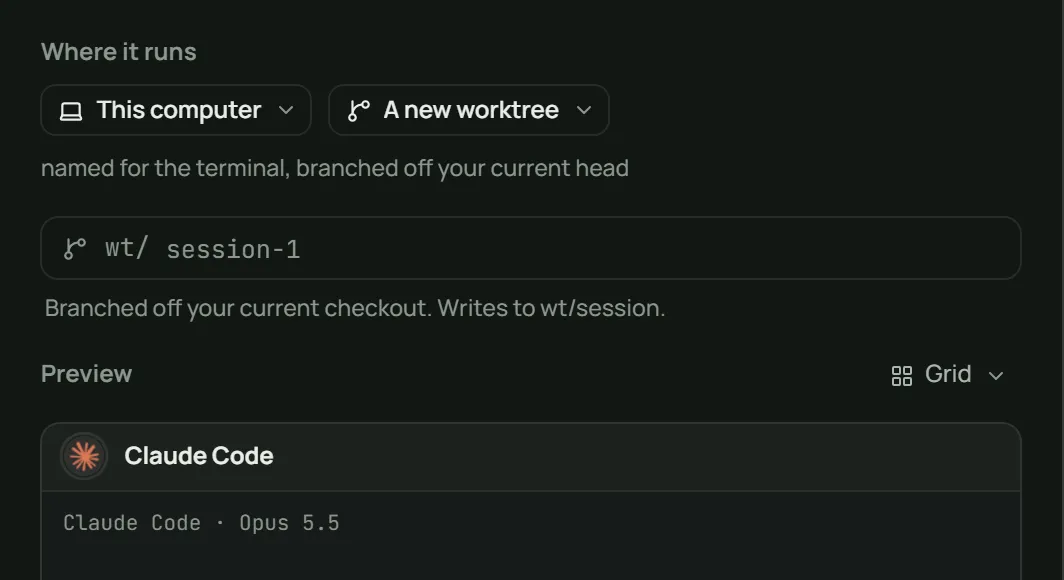
Every terminal in a task works in its own copy of the folder: a worktree, a container or a remote. Your checkout is untouched until you apply.

Tools

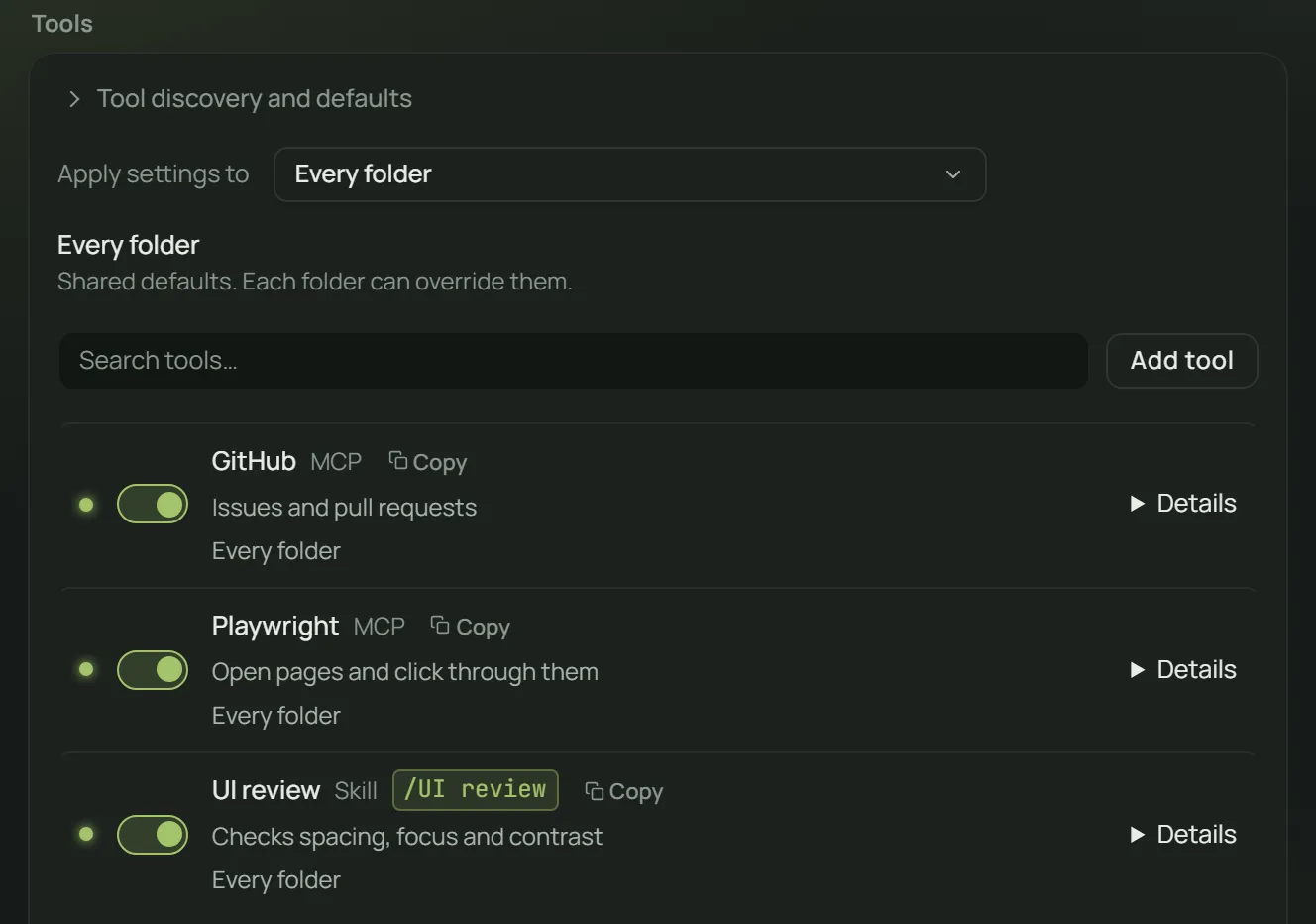
MCP servers and skills are set per folder, once. Every agent in it inherits them.

Continue after reset

When a login hits its window, Auton holds the terminal until the reset or moves it to a login with headroom, and says so.

No lock in

Agents run on your machine, keys sit in your keychain, journals are plain files. Delete Auton and you keep all of it.

05 · Appearance

The terminals should look like yours

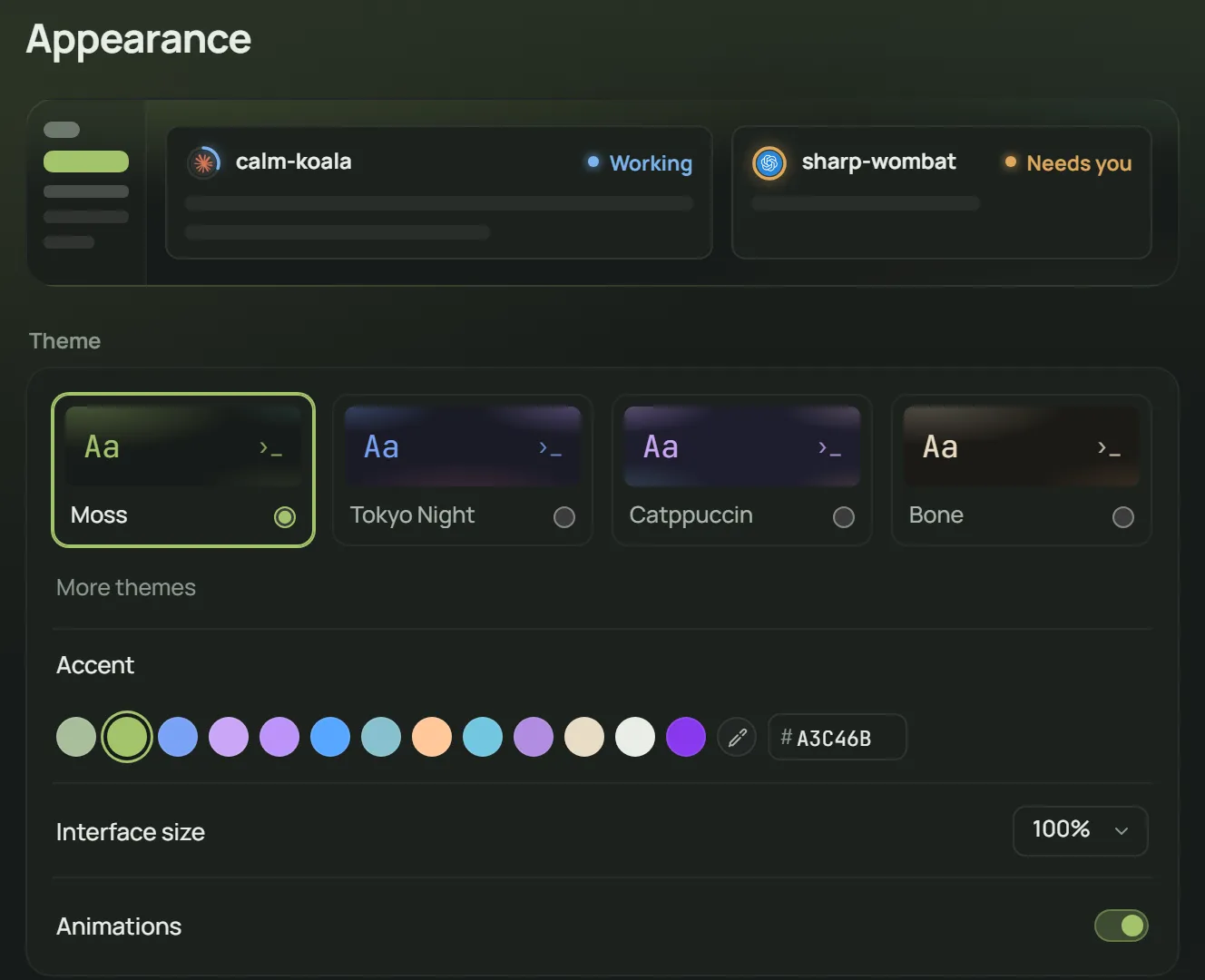
Set a look once and every agent writes in it. A look copies as one line.

Live preview moss bone signal ultraviolet paper low light ledger night shift · edited
amber-kite · claude code · working
$0.84 · 22.4k
$ npm test -- charge
PASS test/charge.test.ts (2.1s)
● Editing src/charge.ts
+18 −4
auton://look?a=A3C46BE8DCC472C6E0B08CE04C6B2F8FA86A4C6B2F72C6E0&b=20241F1C1A16171C221B1823EDEBE3101210EDEBE3171C22&f=jbmplexspace&s=13&c=blockbarunderline
Looks it ships with
Typeface
Caret
Looks people shared
06 · Pricing

Lite is free during beta.

Lite is $0 during beta through 31 December 2026 UTC, with $10/month planned afterward. Pro is planned at $20/month and is not available for purchase. Bring your own AI provider; its usage is billed separately.

Full plan detail →
Lite Free during beta
$0

Run the harnesses you already use in one folder, with two tasks at the same time.

  • One folder open · two concurrent tasks
  • Any installed harness · one account each
  • Single-pass and Loop strategies
  • Import MCP servers and skills
  • Folder and worktree isolation
  • Usage for the last 7 days
View Lite beta download Planned $10/month after beta. No card required during beta.
Pro Planned · unavailable
$20 / mo

Planned paid features. Pro purchases are not available.

  • Unlimited folders and concurrent tasks
  • Experiments with scored arms
  • Multiple accounts and usage-limit continuation
  • Private gateway routing, aliases and fallback
  • Container isolation
  • Full history, cost export, multi-role workflows and saved playbooks
No checkout or automatic upgrade. Your data remains yours.
Teams Coming soon
Soon

One policy for the whole team, and an answer to who accepted what.

  • Shared folders, roles and routing rules
  • Seat level budgets that stop, not warn
  • Audit log of every accepted merge
  • Review policy: require a second human
  • Self hosted runners
  • SSO and SCIM
Tell us your team size and we will size it with you.

The beta may be extended. We will give at least 30 days' notice before free beta access ends. A paid plan requires your explicit choice: no automatic charges. Your work and data remain yours.

Beta enrollment is closed. Signing in does not grant Lite access. Existing accounts can check their current status.

Before you download

The questions people ask first

Does Auton replace Claude Code, Codex or the agent I use?

No. It runs the agents you already have installed and treats them all the same. You keep their subscriptions, their behaviour and their updates. Auton owns the folder around them.

Does my code leave my machine?

Auton keeps code and local journals on your machine except the prompts and context sent to the AI provider you choose. Auton's account service handles identity, sessions and beta access. Payments are disabled. Optional reporting and its controls are described in the privacy information.

Do I pay for AI usage twice?

No. Lite is $0 during beta through 31 December 2026 UTC, with $10/month planned afterward. Pro is planned at $20/month and is not available for purchase. Auton includes no AI credits, so model usage stays on your own provider bill.

Do I have to use tasks?

No. Lite lets you open one folder and run up to two tasks at the same time, but you can keep using its sessions and harnesses without turning every run into a task.

What if a provider raises prices or cuts my plan?

Move the terminal to another agent or key from its menu. The folder, tools, checks, roles, looks and journal stay exactly where they are. It takes seconds.

What happens when the beta ends?

The beta may be extended. We will give at least 30 days' notice before free beta access ends. A paid plan requires your explicit choice: no automatic charges. Your work and data remain yours.

Can I get beta access now?

Beta enrollment is closed. Signing in does not grant Lite access. Existing accounts can check their current status.

Stop betting your workflow on one vendor

Beta enrollment is closed. Signing in does not grant Lite access. Existing accounts can check their current status. We’re preparing the Windows beta. Explore the browser demo while we finish testing.

Windows 11 · x64 · download not available yet